
How Far the Free AI Room Design Tools Actually Get You
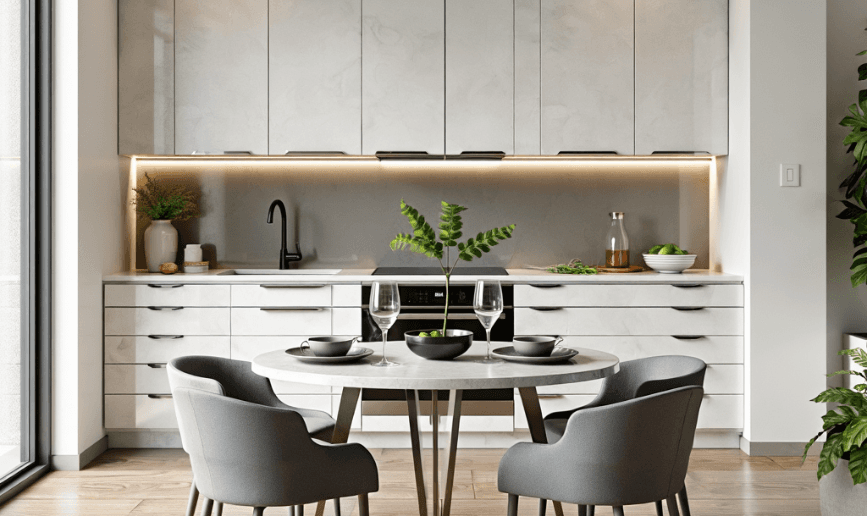
The free tiers in this category are unusually generous, and the reason is not charity. Rendering one room is cheap for the provider and the conversion happens later, when you need the file at print size or you are doing thirty rooms a month instead of one.
Which is useful to know, because it means the honest answer to "is the free version enough" is: for one room and one decision, almost always yes.
What you get without paying
Upload a photo, get the same room back with the finishes changed. That is the core function and it is not held back on free plans. The walls, windows and proportions stay yours, which is the only property that makes the output worth anything.
You also get iterations. This matters more than it sounds. The value is not in one render, it is in running the same room through six palettes and finding out that the one you were sure about looks wrong. Free tiers meter this, but the allowance is usually enough for a proper comparison rather than a teaser.
Style range is not restricted either, in most tools. You are not being shown a worse model.
Where the free version stops
Three walls, and you will hit them in a predictable order.
Resolution first. Free output is fine on a screen and fine for a decision. It is not fine printed at A3 for a client meeting, and it is not fine as a listing photo on a portal that will upscale it badly. If somebody other than you is going to look at it on something other than a laptop, this is the wall you hit.
Then volume. One room is free everywhere. An estate agent doing forty listings a month, or a designer running client work, exhausts a free allowance in a morning. That is the intended conversion point and it is a fair one.
Then export formats. Anything you need to hand to somebody else in a specific format, whether that is a 3D file, a vector, or a particular aspect ratio, tends to sit behind the paid tier.
None of those apply to a homeowner deciding on a wall colour. All of them apply to somebody doing this professionally.
Getting a usable result from a free account
Since the allowance is metered, do not waste renders. Two things get you further than more attempts would.
Shoot the photo properly. Corner of the room, daylight, whole floor in frame, camera level at about chest height. A bad input photo burns renders on results you were always going to reject. This single step does more for output quality than switching tools.
And change one thing per render. If you ask for a new colour, new flooring and new furniture at once, you get an image that differs from the original in five ways and teaches you nothing about which change you liked. Wall colour first, since it is the cheapest thing to change in real life and the biggest thing to see.
If the room is cluttered, empty it before you start. Remove Furniture AI clears it so you are judging the shell rather than reacting to furniture you already own opinions about.
Which free tool
That depends on the job rather than on which is best, and the sorting is the useful part. We wrote it up separately in which AI interior design tool does what, which covers the photo-based tools, the 3D planners they get confused with, and the one that keeps appearing in these searches without being an interior design tool at all.
On Luw.ai, the free tier covers Interior AI and Exterior AI along with the rest of the suite. If you only want one restyled living room and nothing else, a simpler tool will get you there in less time, and that is a reasonable choice.
The honest summary
Free is enough to answer a question about one room. It is not enough to run a business on, and it is not meant to be.
Start there. Take one photo of the room you have been arguing about, change one thing, and see whether the answer arrives. Try it.