
Finding Interior Design Ideas When Pinterest Stops Helping
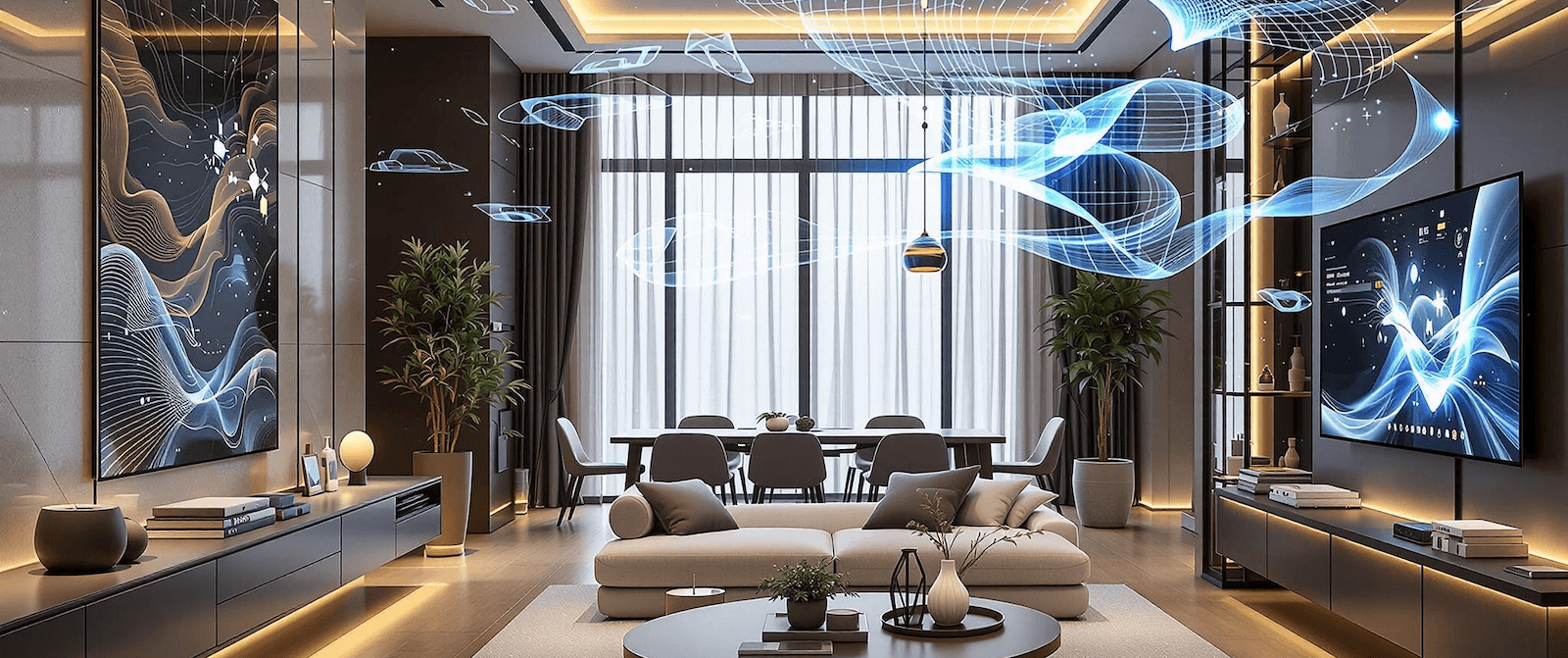
Most people decide what they want a room to look like by looking at pictures of other rooms. That has always been the method. For a decade it meant Pinterest boards and torn-out magazine pages, and before that it meant showrooms.
The method has a hole in it, and anyone who has renovated knows the shape of that hole. You end up with four hundred saved images and no idea which of them would survive contact with your actual room.
Why the inspiration board stalls
The images you save are the good ones. Professionally lit, professionally styled, usually shot in a room with better proportions and more light than yours. That is what makes them appealing and it is also what makes them useless as a plan.
Three problems come up again and again.
The first is scale. A sofa that anchors a nine metre room looks like furniture-shop overflow in a four metre one, and nothing in the photograph tells you which room you are looking at.
The second is light. Half of what you like in an interior photo is the light, and light is a property of the building rather than of the decor. A north-facing room in northern Europe will not do what a Los Angeles living room does at four in the afternoon, whatever you put in it.
The third is that saved images do not combine. You like the wall colour in one, the joinery in another and the floor in a third. There is no way to find out whether those three things work together short of doing all three.
Pinterest is good at the first step and stops there. Instagram gives you no useful way to organise what you save. Houzz is more professional and more constrained, which cuts both ways.
What actually changed
The shift was not that software can generate a pretty room. That was true years ago and it helped nobody, for the same reason a magazine photo helps nobody: it was somebody else's room.
What changed is that current tools take your photo as the fixed base. Interior AI holds your walls, your window positions and your proportions steady and reworks only the finishes. What comes back is your room in a different scheme, which is a different category of thing from inspiration. You can act on it.
So the workflow inverts. Instead of collecting images and hoping, you start from the room you have and test changes against it. The board becomes a shortlist of directions rather than a hoard.
A way of working that resolves
Collect five images, not four hundred. You are looking for a direction, and five is enough to see what the direction is.
Name what you like in each one specifically. Not "cosy" but limewash walls, unlacquered brass, wide oak boards. A vague brief gets you a vague render, and vague is exactly where the model starts inventing.
Then photograph your room from a corner, in daylight, with the floor in shot, and test those specifics against it one at a time. Wall colour first, because it is the cheapest thing to change and the biggest thing to see.
If the room is cluttered enough that you cannot judge the shell, clear it with Remove Furniture AI before you start. Judging an empty room is a cleaner exercise, and you will make different decisions.
Then live with the shortlist for a week. Renders are cheap and enthusiasm is unreliable. The one you still like on a grey Tuesday is the one to build.
What it does not solve
Taste is still yours. The tool renders a bad idea as faithfully as a good one, and quickly, which is its own hazard.
It will not tell you what something costs, whether your floor will take it, or whether the wall you want to move is holding the house up. Those are questions for a person with insurance.
What it removes is the guessing in the middle: the gap between saving an image and knowing whether it works where you live.
Take one photo of the room you have been avoiding and test it.